Prefix.dev logoPrefix.dev logo
Channels
Paxton with wand and angel wings on starry night sky background
Pixi
How to manage dependencies
Rattler Build
How to build conda packages
Rattler API
Rust + Python Bindings
Channels
How to host your own packages
GraphQL API
How to use our GraphQL API
API Keys
Set your own API keys
Go to Overview
Paxton with wand and angel wings on starry night sky background
pixi
Our Open Source Software Package Manager
rattler-build
The fast package build tool
rattler
Low-level Rust & Python libraries to create conda environments quickly
Prefix.dev
Browse packages & Host your own
Blog
Pricing
Sign in
0
Paxton with wand and angel wings on starry night sky background
Pixi
How to manage dependencies
Rattler Build
How to build conda packages
Rattler API
Rust + Python Bindings
Channels
How to host your own packages
GraphQL API
How to use our GraphQL API
API Keys
Set your own API keys
Go to Overview
Paxton with wand and angel wings on starry night sky background
pixi
Our Open Source Software Package Manager
rattler-build
The fast package build tool
rattler
Low-level Rust & Python libraries to create conda environments quickly
Prefix.dev
Browse packages & Host your own
0

Prefix.dev

  • prefix
  • Overview
  • Browse packages
  • API and API Keys
  • GraphQL API
  • Channels
  • Overview
  • Find and inspect channels
  • Paths and priority
  • Create and configure
  • Use channels
  • Publish packages
  • Manage access
  • Lifecycle
  • Pixi
  • Documentation
  • Repository
  • rattler-build
  • Documentation
  • Repository
  • rattler
  • Rust API
  • Python API
  • Repository

Find and inspect channelsFind a channel, narrow the results, and inspect its packages and activity.

Channels bring related conda packages together in one place. The channel directory includes public channels, mirrors, and any private channels you can access.

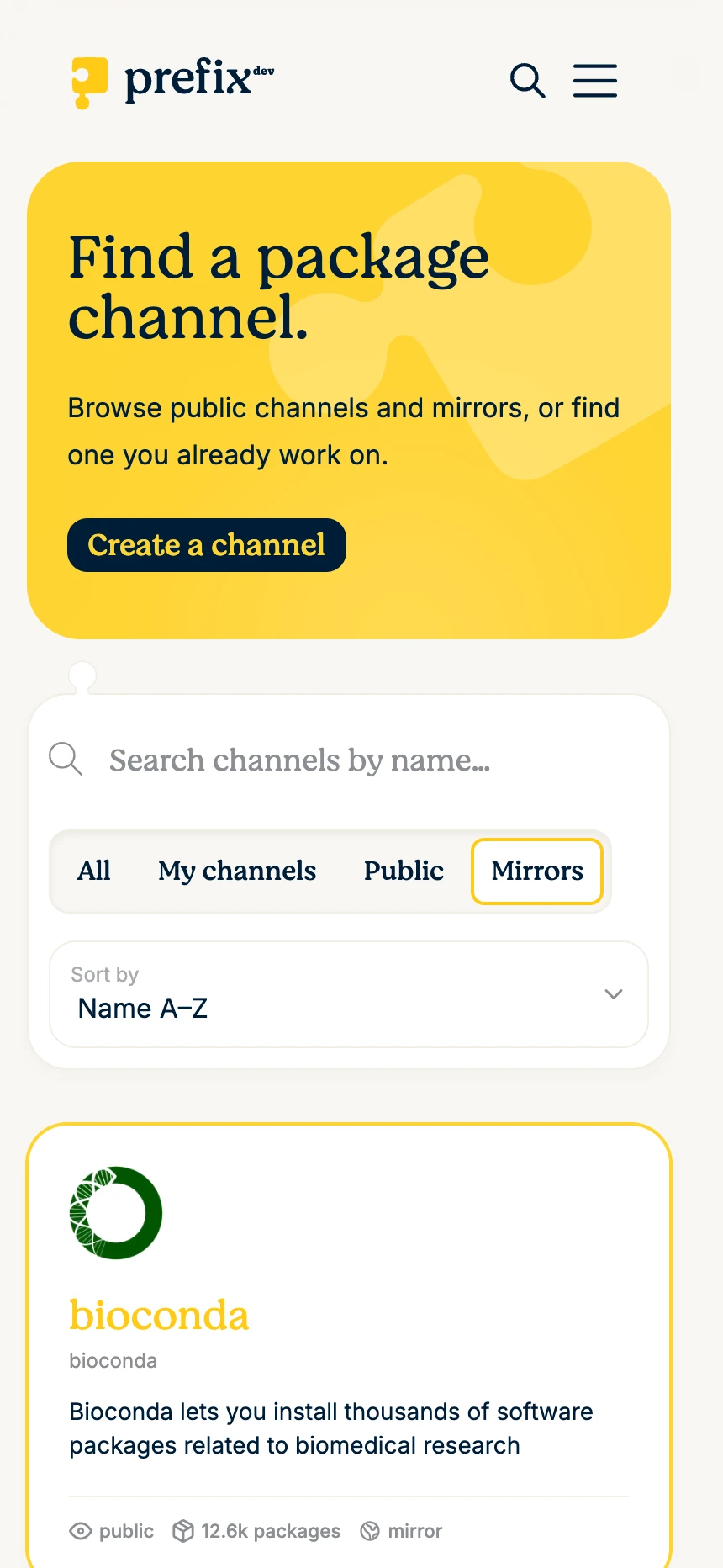
Find a channel

  1. Open Channels.

  2. Search by channel name.

  3. Choose a view:

    • All shows public channels and private channels you can read.

    • My channels shows channels where you are a member. Sign in to use it.

    • Public shows public, non-mirror channels.

    • Mirrors shows public mirror channels.

  4. Sort by Most packages, Best match, Newest, or Name A-Z. Best match is available after you search.

  5. Scroll for more results or select Load more.
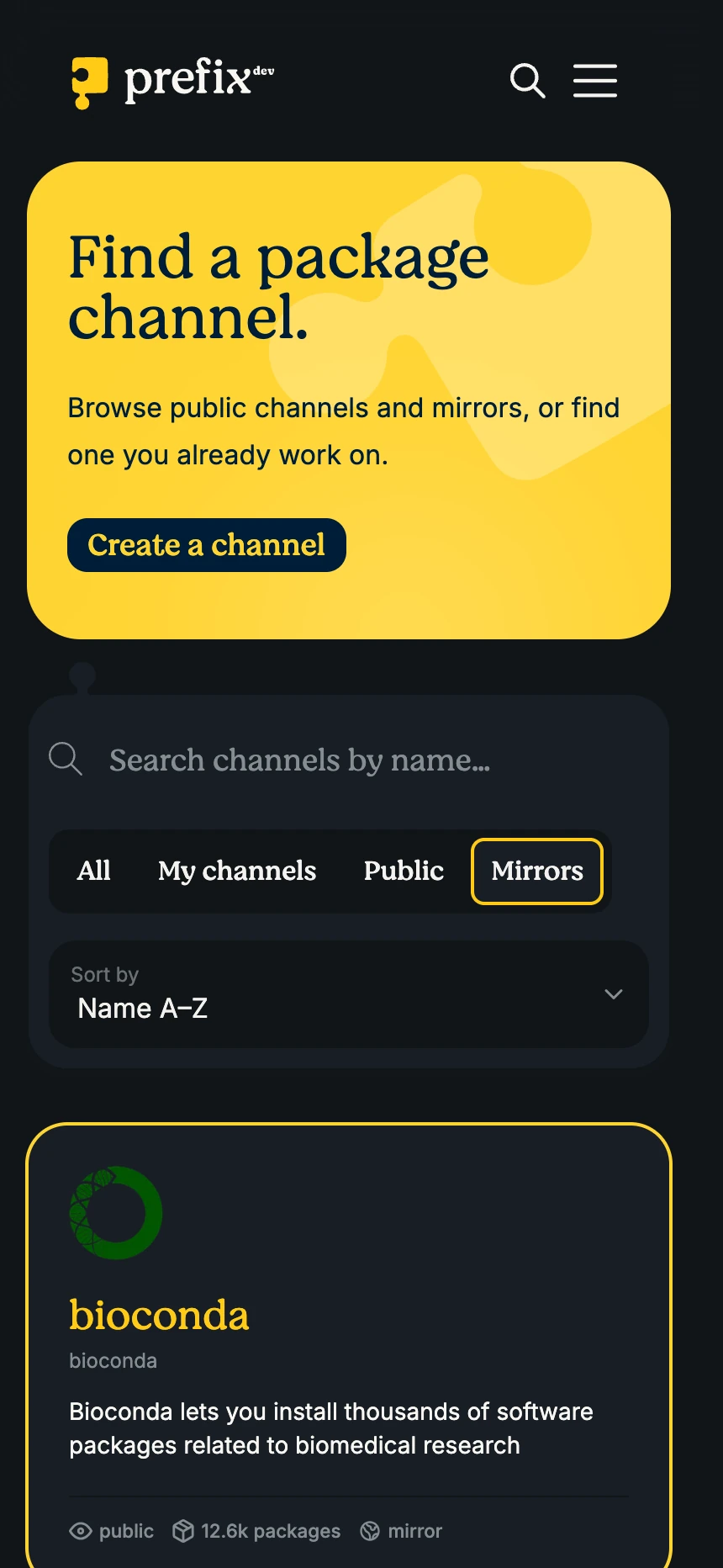
Channel directory with search, filters, sorting, and mirror channel cards.Channel directory with search, filters, sorting, and mirror channel cards.

Tip: Channel search matches channel names, not package names. To find a package across channels, use package search.

Inspect a result

Each result shows the channel name, canonical path, description, logo, visibility, package count, and mirror status. Select a card to open the channel overview.

From the overview, you can:

  1. Confirm the channel path and visibility.

  2. Review recent uploads and most-downloaded packages.

  3. Search the package table and compare versions, upload dates, sizes, and variant counts.

  4. Open a package to inspect its metadata, variants, and installation commands.

A variant is one concrete package artifact. Use its platform or subdirectory and exact filename to distinguish it from other builds of the same package version. For example, linux-64, osx-arm64, and noarch variants can all belong to the same version.
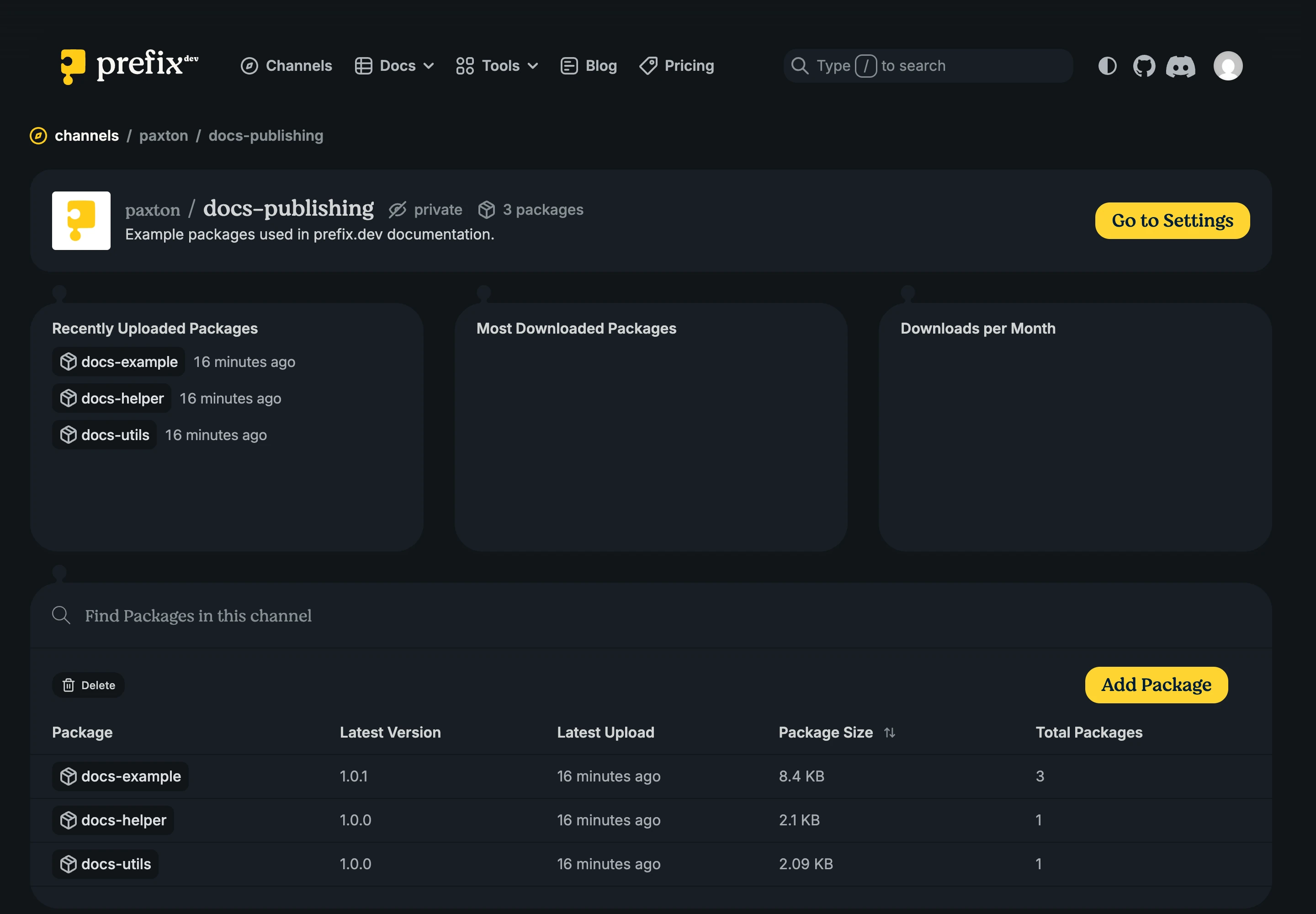
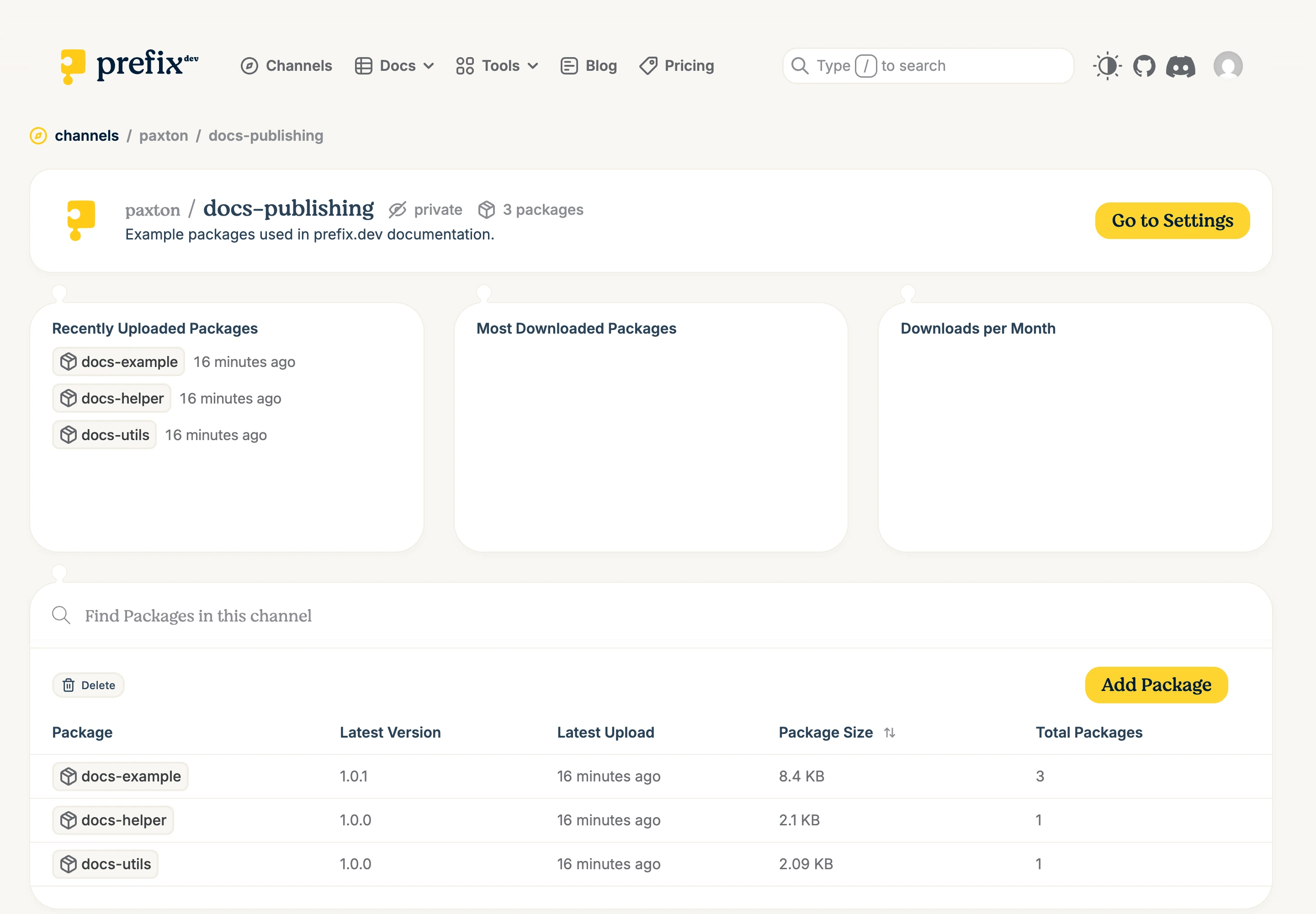
Channel overview with activity summaries and a searchable package table.Channel overview with activity summaries and a searchable package table.

Check package trust

Popularity and recent activity are useful signals, but they do not establish trust. Before installing a package:

  • confirm that the channel path and publisher are the ones you expected;

  • review the package version, build, platform, dependencies, and license metadata;

  • inspect source links and note when prefix.dev labels metadata-derived provenance as not cryptographically verified; and

  • expand variant provenance when a verified-attestation badge is present.

A verified badge means the visible variants of the latest visible version have attestations that prefix.dev verified during upload. It does not mean prefix.dev reviewed the package’s source code or suitability for your project.

Next steps

  • Understand channel paths and priority

  • Use public and private channels

Previous Chapter

Overview

Next Chapter

Paths and priority
Find and inspect channels
  • Find a channel
  • Inspect a result
  • Check package trust
  • Next steps
Last render: 8/7/2026, 4:15:49 PM
Tools
pixi open source package managerrattler-build a conda package builder in Rustrattler Rust crates to work with condamamba a cross-platform package managerquetz host packages easily
Company
TeamImprintContact us
Docs
OverviewBrowse packagesAPI and API KeysGraphQL API
BlogChannelsReport Issues
Prefix.dev logoPrefix.dev logo
© Prefix.dev GmbH All rights reserved.
Terms of ServicePrivacy Policy
Prefix.dev logoPrefix.dev logo
All systems operational